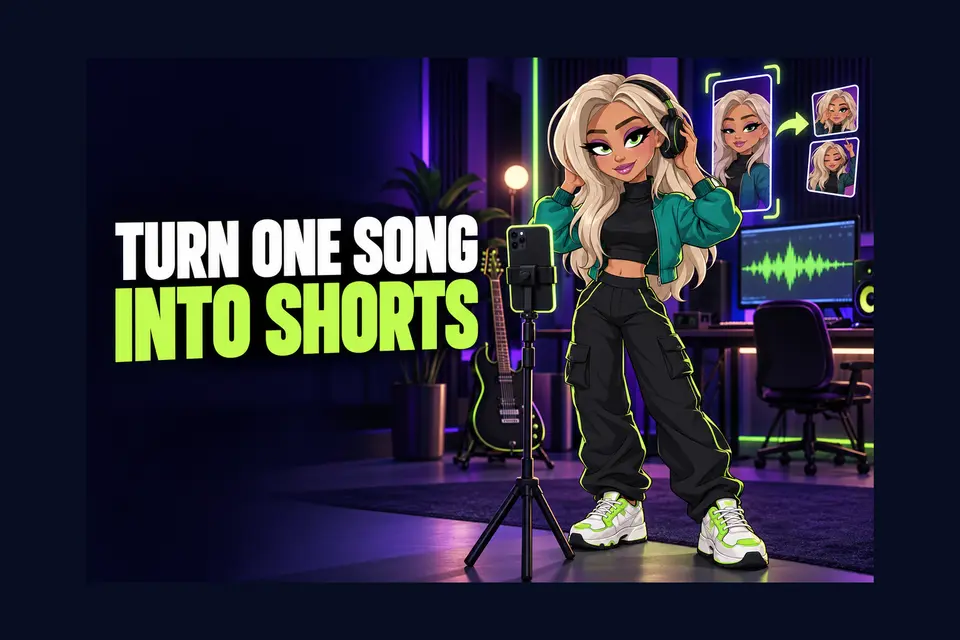
YouTube Shorts can help an independent artist turn one song into several small entry points. A performance moment, lyric story, studio detail or fan question can each become a useful short video. The aim is not to chase every trend. It is to give a listener one clear reason to stop, hear the music and continue to something deeper.
This YouTube Shorts for musicians guide covers the practical setup, current length rules, official audio, related videos and a simple seven-step plan you can repeat without filming every day.
What counts as a YouTube Short now?
YouTube says a square or vertical video up to three minutes can be classified as a Short. For Official Artist Channels, that applies to qualifying uploads made on or after 8 December 2025. You can upload through the YouTube app or YouTube Studio.
You do not need to use the full three minutes. A shorter clip may suit a chorus, reaction or quick explanation. Choose the length that lets the idea land without padding.
Read YouTube’s current three-minute Shorts guidance
1. Give each Short one job
Decide what the clip should do before you film it. It might introduce the song’s central line, show how a sound was made, point to the full music video or answer a listener’s question. One clear job makes the opening, edit and caption easier.
- Discovery: lead with the strongest musical or visual moment.
- Story: explain one lyric, instrument or decision.
- Connection: reply to a real fan question or comment.
- Next step: guide interested viewers to the full video or Premiere.
Avoid trying to fit the whole release campaign into one Short. Make a series of focused clips instead.
2. Choose a vertical idea you can understand quickly
Plan for a phone screen. Keep the face, instrument or main action large enough to recognise, and leave room for short on-screen words. Start with movement, sound or a specific statement rather than a long introduction.
Useful formats include a live chorus, a before-and-after production comparison, a lyric with its meaning, a rehearsal mistake followed by the finished moment, or a quick answer to a comment. Test the first few seconds with the sound off as well as on.
3. Use the official song from the audio picker
YouTube for Artists recommends choosing the official song from the Shorts audio picker, even when your clip already contains the track. This connects the Short to the song’s audio page, where listeners may find the official music video, other Shorts using the sound and options to save or create with it.
Check that the correct recording and artist name appear before posting. If the official sound is missing or wrong, ask your distributor or rights team to investigate rather than silently attaching a different version.
Explore YouTube’s Shorts guidance for artists
4. Understand music length and claims
YouTube says most songs in the Shorts Audio Library can be used for up to 90 seconds in a three-minute Short, although some tracks are limited to 60 or 30 seconds. The picker shows the available amount.
The rules around claimed music can change. YouTube’s current help page says that from 24 September 2026, a new Short longer than one minute and under three minutes with an active Content ID claim is no longer automatically blocked and may remain playable. A claim can still affect the video, and an Artist Channel linked to a music content owner may face a first-party claim. Check each upload in Studio and contact the relevant distributor or label if your own recording causes a problem.
5. Link the Short to a useful destination
A good Short should not leave an interested listener at a dead end. YouTube lets you add a related video through Studio by opening Content, choosing the Short, selecting Edit and adding the Related Video. Link the official music video, a Premiere watch page or another relevant long-form video.
Match the destination to the clip. A lyric story can lead to the full music video. A rehearsal moment can lead to a live session. A release-day teaser can lead to an upcoming Premiere.
Plan a YouTube Premiere for your music video
6. Turn one song into a small series
YouTube’s artist guidance encourages creating multiple Shorts around a release and testing different ideas. Build a manageable set rather than repeating the same sales caption.
- Clip one: the strongest section of the song.
- Clip two: the story behind one lyric.
- Clip three: a performance or rehearsal angle.
- Clip four: a production detail or instrument part.
- Clip five: a reply to a useful listener comment.
Spread the clips across the release cycle. YouTube advises artists not to upload every visual at exactly the same time. Give each piece space to reach viewers and create a fresh reason to return.
7. Review the signals that help your next clip
Look beyond the total view count. In YouTube Analytics for Artists, review Shorts creations, subscribers from Shorts and song views from Shorts. Also read the comments and note which opening, format or song section people mention.
Keep a simple record after each upload: the idea, length, opening, official sound, related video and the response it received. Use that evidence to choose the next clip. Do not assume one quiet Short means the song or campaign has failed.
Prepare your YouTube Official Artist Channel
A simple Shorts checklist
- One clear job and one quick opening.
- Square or vertical framing with readable on-screen text.
- The correct official audio selected in the picker.
- A checked title, caption and relevant hashtags.
- A related video that gives viewers a useful next step.
- A final rights and claim check in YouTube Studio.
YouTube Shorts for musicians work best as part of a wider release story. Make a focused clip, attach the correct song, lead interested viewers to the full experience and learn from each upload. That gives one song more than one chance to be discovered without turning your schedule into constant content production.