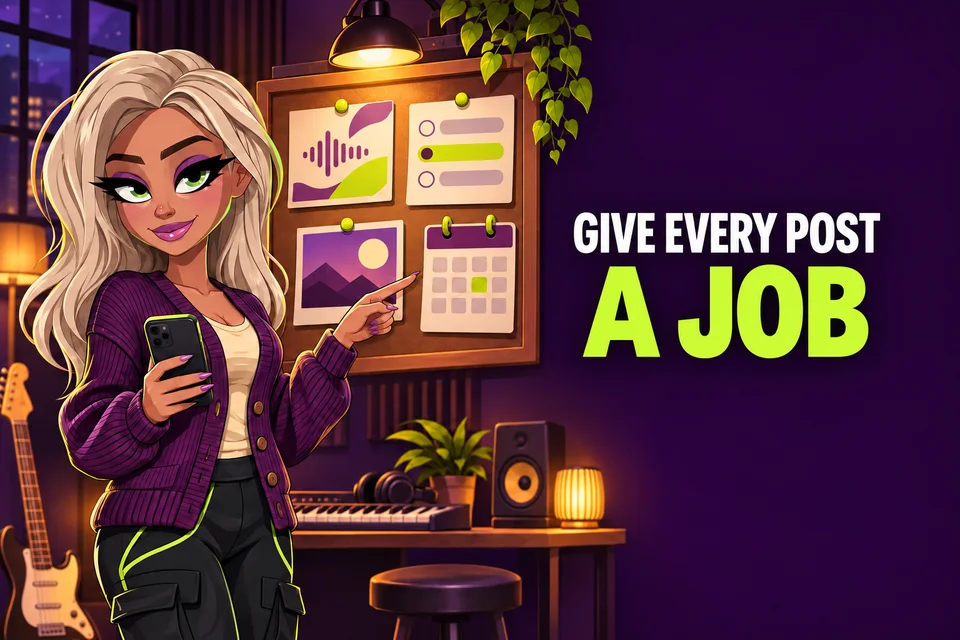
YouTube Community posts for musicians can keep a conversation moving between music videos, Shorts and live sessions. They can also become a stream of vague announcements that gives listeners little reason to respond. The difference usually comes down to planning. Give every post one clear job, choose a format that suits that job and make the next action easy to understand.
YouTube currently lets eligible creators publish text, image, video, poll and quiz posts. You can also schedule a post for a chosen date, time and time zone. Access and menus can vary by channel role and location, so check what is available on your own channel before building a campaign around it.
YouTube Help: create and schedule a post
1. Check whether you mean Posts or Communities
YouTube now uses two related ideas. Your channel's Posts tab contains the posts you publish as the creator. Communities are a separate space where eligible subscribers can start discussions, share images and create polls. If you turn on a Community, viewer posts stay inside that Community rather than appearing as creator posts on your Posts tab. Decide which space you are managing before you write rules or invite people to take part.
YouTube says a channel can start a Community if it already has access to posts, the creator is over 16, the channel is not supervised and its audience is not set as made for kids. Music artist Communities can also be found in the YouTube Music app.
YouTube Help: start your Community
2. Give the post one useful job
Start with a reason to post. You might want to learn which acoustic track listeners want next, remind people about a Premiere, show a rehearsal detail or guide viewers to a playlist. One post does not need to announce a single, sell tickets, collect questions and ask for subscriptions at the same time. A narrow purpose makes the wording clearer and the response easier to read.
- Poll: choose between two real options.
- Image: share a rehearsal, artwork or lyric detail with context.
- Video: point to one upload and explain why it matters now.
- Text: ask a specific question that listeners can answer quickly.
- Quiz: teach or reveal something accurate about the song or session.
3. Match the format to the question
A poll is useful when every option is meaningful. Do not ask whether people want new music if you already know a release is coming. Ask which live arrangement they would like to hear, which cover should enter the set or which part of your process they want explained. An image can carry atmosphere, but the caption should still tell people what they are looking at. A shared video should include a fresh reason to watch rather than repeating its title.
YouTube recommends using posts to complement your video schedule. Its own examples include behind-the-scenes photos, polls, announcements, concert tickets and collaborations. Treat the post as supporting material, not a replacement for the music.
YouTube Help: practical ideas for posts
4. Write for a quick, honest response
Lead with the part a listener can understand without extra context. Instead of writing 'Big news soon', try 'Which song from the last EP should we play at the next live session?' Avoid promising that a vote will decide something if the decision has already been made. If you ask for feedback, say what you will use it for. That turns the interaction into a useful exchange rather than empty engagement bait.
5. Make the destination worth the click
If the post points to a video or playlist, open the destination before publishing. Check the title, thumbnail, description and any important links. A post can be clear while the destination is outdated. For a release campaign, you might guide people to a playlist that begins with the new song and continues with related sessions or Shorts.
Read: YouTube Playlists for Musicians
Read: YouTube Description for Music Videos
6. Schedule with the real campaign calendar
YouTube lets you choose a date, time and time zone when scheduling a post. Use the same calendar as your video upload, Premiere, ticket sale or release. A simple sequence might be a question two days before a live session, a reminder on the day and a follow-up question afterwards. Leave room to reply. Publishing several posts while ignoring every answer makes the plan feel automated even when the content is personal.
YouTube also limits how many posts a channel can create within 24 hours. If you see a limit-reached message, its guidance is to try again after 24 hours. That is another reason to plan a few useful posts instead of filling every gap.
7. Review the response before repeating the idea
After publishing, read the replies and note what people actually answered. A busy poll is not automatically useful if the options were vague. Check whether viewers followed the linked video, whether the same names return and whether a question gave you a practical next step. You can find creator posts and scheduled posts in the Posts section of YouTube Studio.
YouTube Help: learn about posts
Read: YouTube Analytics for Musicians
A simple three-post release plan
- Before release: ask one specific question connected to the song or video.
- Release day: share the finished destination with a clear reason to watch.
- After release: follow up with a detail, result or behind-the-scenes answer.
Community posts work best when they add something between uploads. Give every post a job, keep the question honest and respond when listeners take the time to answer. A small, real conversation is more useful than a busy calendar full of posts that lead nowhere.