A music channel can quickly become a mixed shelf of official videos, live clips, Shorts, lyric videos and studio updates. YouTube playlists for musicians give that shelf some order. More importantly, they can help a new listener understand where to start and what to play next.
A playlist is not a promise of more views, and it will not repair a weak song or an unclear video. It is a simple way to package related videos into a useful listening path. Here is a practical seven-step system you can use without turning channel organisation into another full-time job.
1. Choose one listener journey
Begin with the person using the playlist, not with every video you have uploaded. Decide what they are trying to do. A new listener may want a short introduction to your best songs. A fan may want a complete set of live sessions. A collaborator may want to hear your production work.
- Start here: three to five defining songs
- Latest release: the single, lyric video and related live clip
- Live sessions: performances arranged as a set
- Behind the songs: writing, recording and production videos
- One project: every official video from an EP or album
Keep each playlist focused enough that its title makes sense without an explanation. If one list tries to serve fans, bookers, producers and casual viewers at once, it will usually feel random.
2. Create the playlist in YouTube Studio
YouTube's current Studio instructions let you choose Create, then New playlist. You can add a title and description, choose visibility, arrange the videos and add existing uploads. YouTube currently allows up to 150 characters for a playlist title and up to 5,000 for its description, but a clear short title is normally easier to scan.
Official YouTube Help: manage playlists in YouTube Studio
Use Public when the playlist is ready for anyone to find, Unlisted when you want to check or share it privately, and Private while it is still being built. Give the list a final check before changing its visibility.
3. Write a title that describes the value
Search-friendly does not mean stuffing a title with repeated keywords. Name the artist, format or listener need in plain language. Examples include “Maya Lane Live Sessions”, “Northern Lines EP Videos” or “Start Here: Five Songs by Harbour Lights”. These titles tell both people and search systems what the collection contains.
Use the description to add one or two useful sentences. Say what is included, who the playlist is for and whether the order matters. You can also mention the latest release or the story connecting the videos. Avoid empty claims such as “the best playlist ever”.
4. Put the strongest starting point first
The first video sets the tone. Do not automatically put the newest upload first if an older performance introduces your sound more clearly. For a release campaign, the lead single may be the right opener. For a live set, performance order may create the better experience.
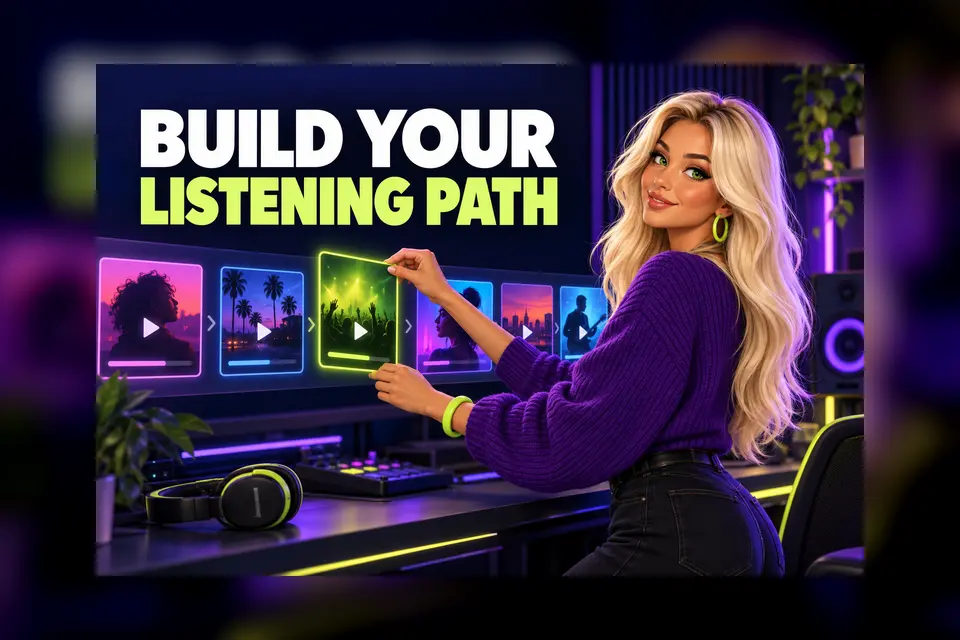
YouTube lets you drag videos into a new order. Review the sequence like a short set list. Look for an inviting opener, a useful change of pace and a final video that leaves the listener with a clear next step.
5. Keep every video relevant
A longer playlist is not automatically more useful. Remove duplicated versions, outdated announcements and clips that break the theme. You can include videos from another channel when they genuinely help, such as a trusted interview or a collaborator's official upload. Be aware that YouTube says several playlist analytics measures exclude videos owned by other channels.
Official YouTube Help: understand playlist analytics
This makes a clear distinction useful. A playlist built mainly from your own uploads is easier to review as part of your channel activity. A wider influences or collaboration playlist can still serve listeners, but should have a different goal.
6. Feature the right playlist on your channel
A good playlist should not be hidden behind the Playlists tab. YouTube currently lets creators add playlist sections to the Home tab and use up to 12 custom sections. Choose one or two collections that give a first-time visitor the clearest route into your music.
Official YouTube Help: customise your channel layout
Place a concise “Start Here” list high on the page. Put a current release collection near it during a campaign. If you use Shorts, live videos and long-form uploads, separate sections can stop the Home tab feeling like one unfiltered feed.
7. Review the playlist, not only each video
In YouTube Studio, open Content, then Playlists, choose a playlist and select Analytics. YouTube provides playlist-level views across Overview, Content, Audience and Revenue tabs where available. Use those figures as clues, not as a verdict on your music.
Ask practical questions. Are people starting with the intended opener? Does a long playlist need a tighter edit? Is an older live video doing a better job of introducing you than the official video? Make one change at a time, then give it enough time to produce a useful pattern.
A quick playlist check
- One clear audience or listening purpose
- A plain title that names the artist, project or format
- A short description that explains the collection
- A deliberate first video and sensible order
- No stale announcements or unrelated filler
- A visible place on the channel Home tab
- A regular review after releases or major uploads
Connect playlists to the rest of your channel
Playlists work best as part of a joined-up channel. Add an appropriate playlist to the end screen of a related video so the next step is obvious. If you are still bringing separate artist channels together, sort out your Official Artist Channel before building a complicated layout.
The Hubb guide to YouTube end screens for music videos
The Hubb guide to YouTube Official Artist Channels
The aim is simple: make it easier for a listener to continue. A small number of carefully named, ordered and featured playlists can do more useful work than dozens of collections that nobody maintains. Start with one journey today, then improve it as your catalogue grows.