Your Apple Music artist image appears beside your music on Apple Music, the iTunes Store and Shazam, so it needs to work as a small profile picture as well as a large page image. It is not the place for a release date, streaming link or crowded poster.
Apple reviews every submitted image. A careful check before you upload can save an avoidable rejection and help your artist page look consistent wherever listeners find you. Use these seven steps to prepare an Apple Music artist image without guessing at the current rules.
1. Confirm that you have the right account permission
Not every team member can change the artist image. Apple says an Admin or Profile Editor can upload one through Apple Music for Artists. If a photographer, designer or manager is preparing the file, they do not automatically need access to your full account. An Admin can invite the right person and choose an appropriate role.
Before you share access, check which artist page is selected, especially if you manage more than one act. Keep the final file in a shared project folder so the person uploading it does not have to search through messages for the approved version.
The Hubb guide to claiming Apple Music for Artists
2. Start with a square file that is large enough
Apple prefers an image that is at least 2400 by 2400 pixels. The minimum accepted size is 800 by 800 pixels. Use a JPG or PNG at 72 dpi. Do not enlarge a small picture simply to reach the minimum, because upscaling cannot restore missing detail and Apple specifically tells artists not to upscale images.
Choose the original export from the photographer or designer rather than a screenshot, social media download or messaging-app copy. Check the file at full size for soft focus, blocky edges and compression marks. A sharp source gives the cropping tool more useful detail to work with.
Official Apple Music for Artists image guidelines
3. Plan for the crop, not only the original photo
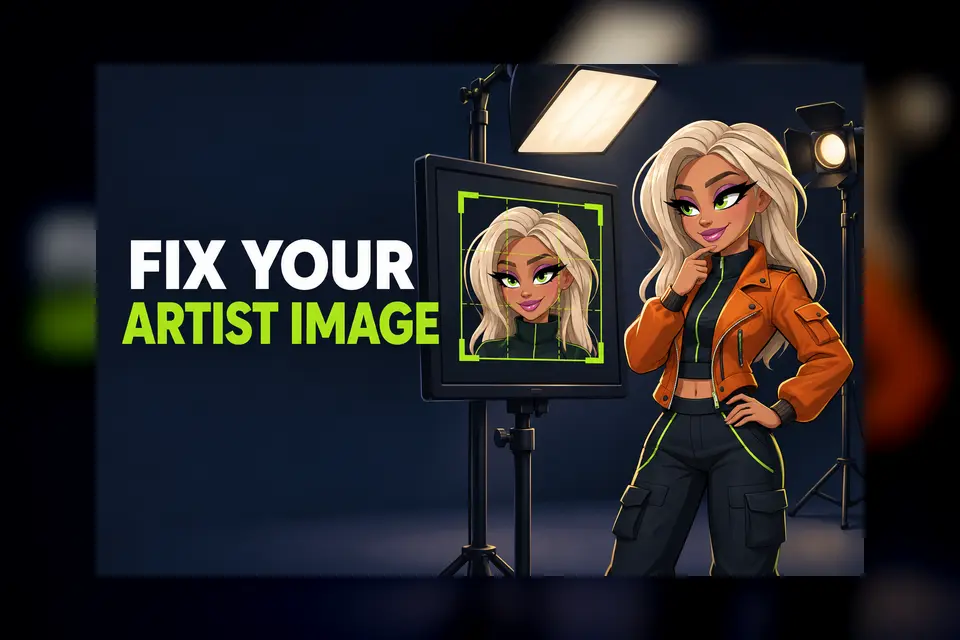
Apple shows a cropping window during upload. For a portrait, keep the face comfortably inside the guide, including the eyebrows and lips. Leave space around hair and shoulders so the result still feels balanced when shown as a small circle or square on different devices.
A wide band photo may look strong before upload but become unusable when cropped into a square. If you are a duo or group, test a square composition before the final shoot. Keep each member visible without pushing faces against the edge. If you use a character drawing, apply the same rule and keep the character recognisable at a small size.
4. Remove text, borders and promotional extras
Apple does not allow marketing copy, third-party logos or typography in an artist image. That includes band-member names, roles, dates, instruments, former bands and promotional phrases. Borders, QR codes, album cover artwork, sales messages and website addresses are also listed as problems.
Treat the image as a representation of the artist, not as an advert for the next single. A clean portrait, an approved character drawing or a suitable artist logo can work. If you upload a logo, Apple says it should be centred, fit within the crop and sit on a fully opaque background with no transparency.
5. Check that the image honestly represents the artist
The picture should match the artist identity listeners see on other platforms. Do not use an unrelated model, a misleading celebrity image or artwork that implies another artist is involved. Apple may reject or remove images that do not meet its presentation standards.
Consistency does not mean every platform must use the exact same crop. It means the face, character, logo and overall visual identity should clearly belong to the same act. Check your website and other public profiles before deciding which file becomes the master version.
6. Confirm that you have permission to use it
Only upload a photo, logo or drawing that you are legally authorised to share. Keep the photographer or illustrator agreement and the original file together. If the image includes more than one person, make sure everyone understands how it will be used on the artist page.
Do not assume that buying a photograph automatically gives you every promotional right. The exact agreement matters. If a designer used a third-party logo, stock element or font in an older poster, create a clean replacement rather than trying to hide the extra material inside the crop.
7. Submit early and verify the live result
On the Apple Music for Artists website, choose your artist, open Artist Content, select Artist Page, then choose Edit in the Image section. Select the file, adjust the crop and submit it. In the iOS app, open the artist account, use the Camera button, choose the image, resize it and submit.
Apple says the review can take up to five business days. The image remains marked Submitted for Review while that process is underway. If it is rejected, correct the stated problem and resubmit rather than sending the same file again.
Official Apple instructions for adding an artist image
After approval, check the public artist page on a phone and desktop. Apple says the new image also updates on Shazam, so review that result as well. Make sure you are looking at the correct artist page and that the crop still shows the intended face or logo clearly.
A final Apple Music artist image checklist
- Admin or Profile Editor access is ready
- Square JPG or PNG from a sharp original file
- 2400 by 2400 pixels or larger preferred
- No upscaling, pixelation or soft screenshot copy
- Face, character or logo fits safely inside the crop
- No text, border, QR code, album cover or sales message
- Usage permission is recorded and the live result is checked
Keep the rest of the profile consistent
Once the image is approved, compare it with your artist name, current releases and profile details. If you are also adding lyrics, use the same careful review process for spelling, clean versions and repeated lines. A tidy profile helps listeners recognise the correct act without relying on promotional claims.
The Hubb guide to submitting Apple Music lyrics
The best artist image is not necessarily the busiest or most expensive. It is a clear, authorised file that survives Apple’s crop, follows the content rules and still looks like you. Prepare one strong square master, check it at small size and submit it early enough for the review window.