Bandcamp pre-orders for musicians can give existing fans a clear way to support a release before the full album arrives. They also create more work than a normal publish button. You need to decide what people can hear now, what they receive on release day and who will be available to release the album manually. A tidy pre-order page can make those answers obvious. A rushed one can leave listeners unsure about what they are buying.
Bandcamp says an album pre-order can give fans one or more tracks immediately. When the full release is made available, people who pre-ordered receive an updated download link. The platform also warns that a pre-order may not be the best starting point for an artist who is still building an audience. Use the seven checks below to decide whether the format fits your release and to prepare it properly.
Read Bandcamp’s current pre-order setup guide
1. Decide whether a pre-order helps this release
Start with the listener, not the feature. Do you already have people waiting for this album, EP or collection? Can you offer at least one finished track that gives them a useful preview? If the answer is no, releasing the complete music may be simpler. Bandcamp’s own guidance says newer artists may be better served by making the full album available and letting people hear it. A pre-order works best when there is a clear reason to commit before release day, such as early access to a track or a physical edition tied to the music.
2. Confirm the format before building the page
Bandcamp supports pre-orders for albums rather than standalone tracks. If your campaign is for one song, the help centre says you can create a pre-order album containing a single uploaded track. Decide this before sharing a link, because your artwork, page copy and release plan should all describe the same product. Keep the final title, artist name and track order consistent with the files you will deliver to stores and other partners. Our release checklist can help you catch mismatches before they spread.
Use The Hubb’s Bandcamp release checklist
3. Choose what fans receive immediately
Pick at least one strong preview track and mark it for streaming and download during the pre-order period. Bandcamp says listeners are more likely to buy or add an album to a wishlist when they can hear something first. Its Artist Guide also notes that a pre-order needs at least one streaming track to appear in Bandcamp’s discovery tools. Choose a song that represents the release, but do not give away so much that the page loses a clear release-day moment. Write down exactly what is available now and what will unlock later.
Check Bandcamp’s Artist Guide for pre-order setup
4. Prepare every release asset you can
Upload the artwork, titles, prices, tags, credits, lyrics and liner notes you already have. Bandcamp allows a pre-order to be published while some audio is still missing, but all audio must be uploaded before the full release can go live. Save drafts while the page is incomplete. Do not treat a future release date as a privacy setting: Bandcamp says that date does not hide music. A new album stays hidden as a draft until you publish it, and a live page must be set to Private if you want to remove it from public view.
See Bandcamp’s guidance on future release dates and visibility
5. Explain the offer in plain language
Your page and promotion should answer four simple questions: what is the release, what can a buyer hear or download today, what will arrive later and when will that happen? If you sell vinyl or CDs, state the expected shipping timing separately from the digital release. Bandcamp lets music merch packages link to the corresponding album so buyers receive the instant tracks and the full download later. Its current guidance says a digital pre-order cannot be attached to non-music merchandise, so do not imply that every product includes the music.
Plan a clear Bandcamp merch offer
6. Test the page like a fan
Before you announce the pre-order, open the public page on a phone and a computer. Check the artwork, preview track, price, release wording, track list and purchase options. Follow every link in your social bio and campaign notes. Ask one trusted person to explain what they would receive today and on release day after reading the page once. If their answer is different from yours, simplify the copy. Also check that your contact route works, because buyers may need to ask about a missing email or a delayed physical order.
7. Put manual release day in the calendar
This is the step most likely to be missed. Bandcamp currently requires artists to release a pre-order manually. On release day, open the album editor, choose “release pre-order now” and update the page. Bandcamp then notifies the mailing list and sends people who bought during the pre-order period an updated download link. Give the task to a named person, add a backup reminder and check the public page afterwards. Do not schedule your first post until you know the full album is actually available.
Read Bandcamp’s manual release reminder
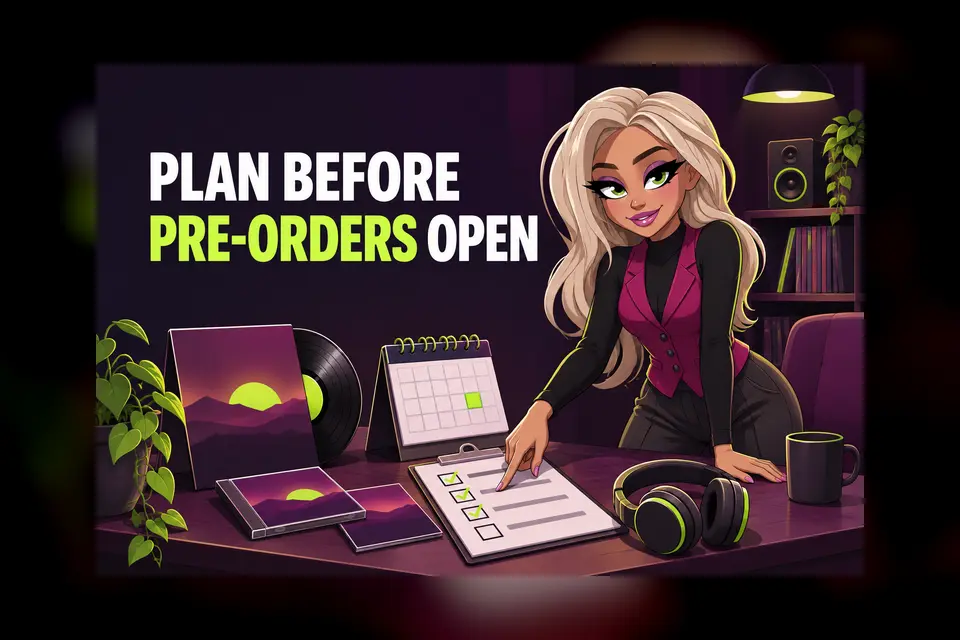
A short pre-order readiness check
- The pre-order has a clear purpose for existing listeners.
- The format, title, artwork and track order match your wider release plan.
- At least one finished preview track is available.
- The page explains what arrives now and what arrives later.
- Music merch and digital access are linked correctly where relevant.
- The public page and every campaign link have been tested.
- A named person will release the album manually and verify it.
Bandcamp pre-orders for musicians are useful when they make a release easier to understand and support. Keep the promise small, specific and testable. Then build your promotion around the finished page, not around assumptions about how the feature works. If you need a wider schedule for artwork, audio, links and follow-up, map these checks onto a four-week release plan.