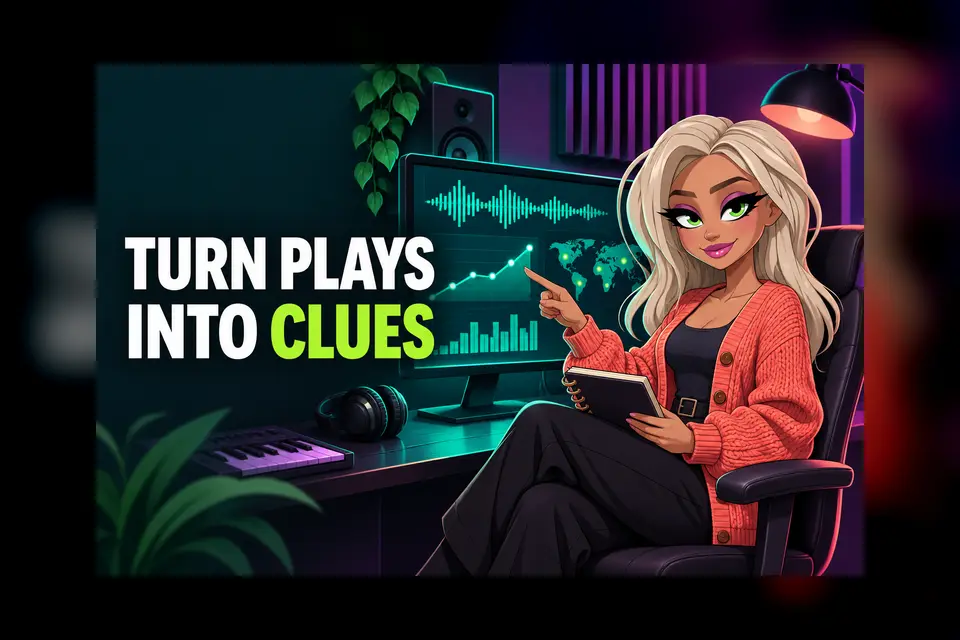
SoundCloud can show much more than a total play count. Its Insights area helps you see which tracks are moving, how listeners are reacting and where activity is coming from. Used well, those details can help you choose your next post, improve a release plan and spot questions worth investigating.
This guide explains seven useful numbers to review in SoundCloud Insights for artists. You do not need to chase every change or treat one busy day as proof of success. The aim is to collect a few clear clues, compare similar periods and decide one sensible action.
1. Set a clear date range first
Start by choosing the period that matches the question you are asking. SoundCloud says the Insights Overview defaults to the past 30 days, with day, week, month and year views available. The overview also runs on GMT, which is worth remembering if you are checking a late-night campaign or comparing it with another platform.
For a new single, you might compare its first seven days with the first seven days of your previous release. For a steady profile review, use the same monthly window each time. Write the dates in a simple note so you do not accidentally compare one weekend with a whole month.
SoundCloud: Insights on SoundCloud
2. Read plays beside engagement
Plays tell you how often tracks were started, but they do not explain the whole response. SoundCloud lists likes, comments, reposts and downloads alongside plays. Your own plays are excluded. Downloads only appear when downloading is enabled for the track.
Look for combinations rather than one isolated total. A track with fewer plays but more comments or reposts may be starting useful conversations. A rise in downloads might matter if you offered a high-quality file for DJs, radio or supporters. Do not assume every like means the same thing. Use the pattern to decide what to ask listeners next.
3. Find the tracks doing the work
The activity graph separates your top five tracks and groups the rest as Others. That makes it easier to see whether one song is carrying most of the period or several releases are contributing.
Check whether your busiest track is the one you expected. If an older song is still drawing attention, listen again and inspect the page, tags, artwork and recent shares. You might create a new clip around it, add it to a relevant playlist or use it as a bridge into your latest release. Keep the action connected to the evidence instead of reposting every track at once.
4. Check repeat and recommended listening
On an individual track page in a desktop browser, SoundCloud can show recommended plays and repeat listeners. Recommended plays include activity from stations and the autoplay queue. Repeat listeners are people who played the track more than once.
These numbers can help you separate discovery from deeper interest. A track may reach new people through recommendations, while repeat listening suggests that some fans came back. SoundCloud notes that individual track Insights update every 24 hours, so give the data time before judging a post or release-day push.
SoundCloud: Individual Track Insights
5. Review listeners and locations carefully
Artist Pro includes deeper information such as top listeners, countries and cities. SoundCloud says the advanced view can show up to 50 listeners and 50 locations for the selected period. Only signed-in listeners can appear in the top-listener list.
Use location data as a clue, not a promise that a gig will sell. A cluster of plays in one city could help you decide where to test a small advert, contact a local page or ask a promoter a better question. If you message a regular listener, keep it warm and respectful. Thank them without turning the conversation into a hard sales pitch.
6. Trace websites, apps and playlists
Advanced Insights can show where plays happened, including SoundCloud pages, playlists, apps, external websites and embeds. This can reveal whether a blog feature, playlist addition or link in your bio actually sent people to the track.
Record the source name, date and track. If one source produces a useful burst of plays, check whether people also liked, reposted or returned. That gives you a stronger picture than a screenshot of the play total alone. SoundCloud says some signed-in activity updates in real time, while other plays can take up to 24 hours. Offline listening can arrive later when a listener reconnects.
SoundCloud: Advanced SoundCloud Insights
7. Turn the review into one next step
End each review by choosing one practical move. Keep it small enough to finish before your next check.
- Share the track that is already earning useful engagement.
- Thank a repeat listener or reply to a thoughtful comment.
- Test one city-specific post where genuine listening is appearing.
- Ask a blog or playlist how listeners found the track.
- Fix a weak link if the expected source sent no visible activity.
- Wait for delayed data before changing a campaign too quickly.
Keep a short log with the date range, top track, strongest source and the action you chose. Review the result after a fair period. SoundCloud currently does not offer an Insights export, so a simple spreadsheet or release notebook can be enough.
SoundCloud: Help with SoundCloud Insights
Use platform numbers together
SoundCloud Insights for artists is most useful when it sits beside the rest of your release information. Compare it with the listening and promotion data you already have, while remembering that platforms define their numbers differently. Our Spotify analytics guide can help you build a wider review routine, and our TikTok analytics guide can help you connect music activity with short-form content.
Read The Hubb's Spotify for Artists analytics guide
Read The Hubb's TikTok for Artists analytics guide
If you are sharing unreleased music before the public campaign begins, use private links and test access before sending them. The Hubb's private SoundCloud links guide covers the setup and the message around it.
Read The Hubb's private SoundCloud links guide
The best review is not the one with the most charts. It is the one that helps you understand what happened, avoid a rushed conclusion and make one better-informed choice for your next release.